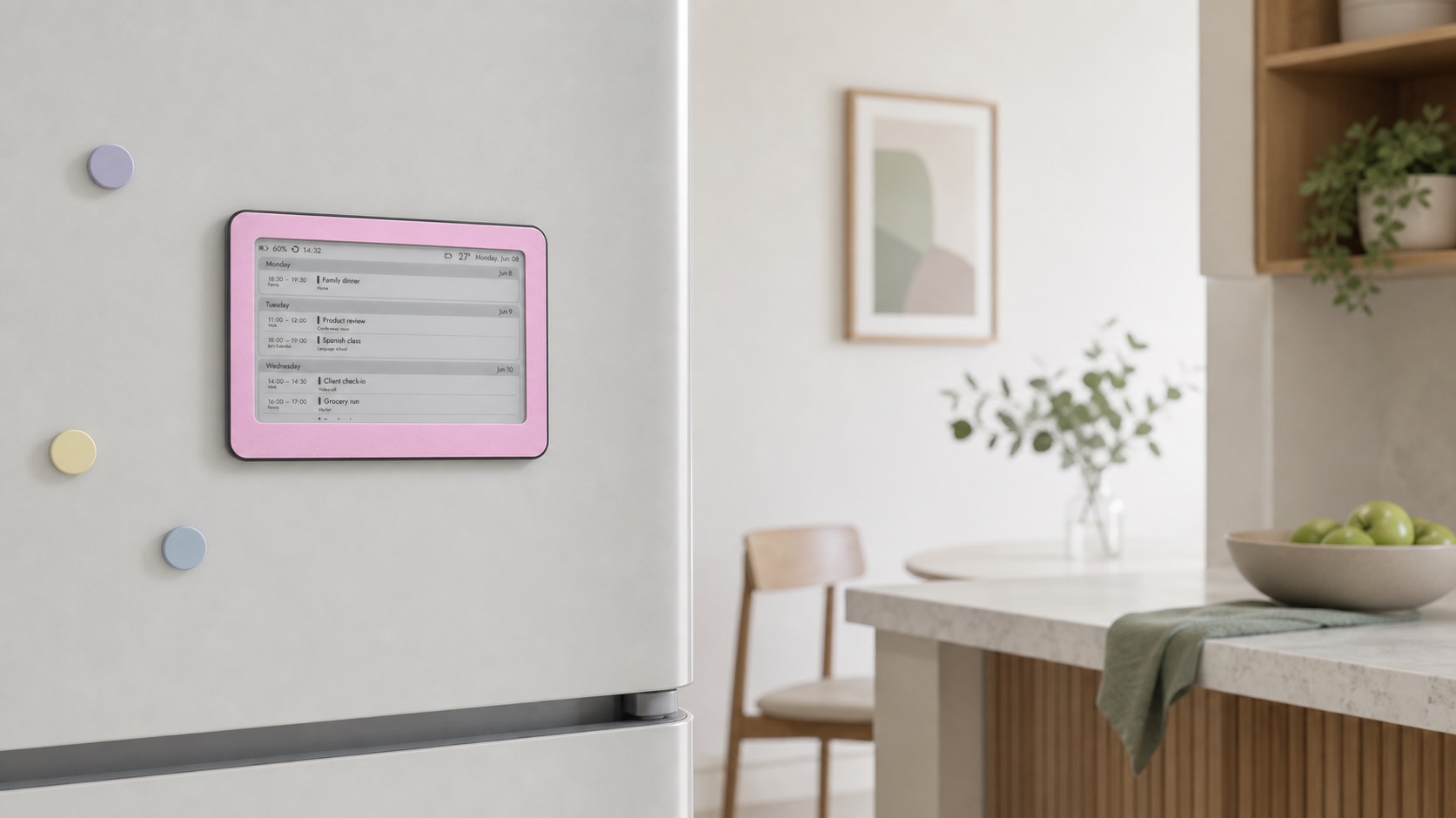
You do not need to dedicate a tablet to create a digital family calendar on the fridge. A magnetic e‑ink display can show a shared day or week view, update it over Wi‑Fi and keep the plan visible without a glowing screen, lock screen or stream of notifications.
Why does the fridge work so well for a family calendar?
A shared calendar is useful only if people actually see it. The fridge sits in a high-traffic part of the home, often near the place where mornings begin and plans are discussed. Put the schedule at eye level and it becomes a natural checkpoint before school, work or the evening rush.
Why use e‑ink instead of a permanently mounted tablet?
E‑ink reflects the room’s light and keeps a still image on screen between updates. That makes the calendar readable in daylight without illuminating the kitchen at night. Because it is designed for periodic glances rather than constant interaction, it also avoids app alerts and the temptation to turn the family planner into another entertainment screen.
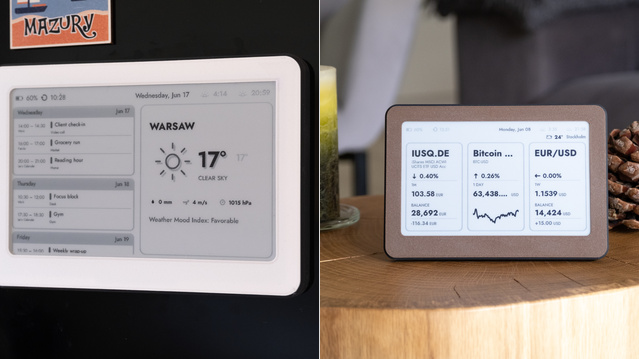
See the magnetic family calendar on Etsy →
Check the fridge before relying on magnets
Not every refrigerator door is magnetic, even when it looks like stainless steel. Test the exact spot with an ordinary kitchen magnet first. Choose a flat area away from the handle, hot air from the oven and frequent splashes. Brisa Daylo uses six magnets on the back, but a clean, steel surface is still essential for a secure hold.
Set up a fridge calendar in five steps
- Create one shared household calendar in Google Calendar, Apple Calendar, Outlook or another service that provides an ICS feed.
- Give events short, specific names such as “Maya — swimming” or “Dentist — Alex”; concise titles are easier to scan from a distance.
- Connect Brisa to Wi‑Fi and paste the private ICS feed into the calendar settings. You can combine up to three feeds.
- Choose a day view for a simple routine or a week view when several people and activities share the screen.
- Attach the display at a comfortable eye level, save the settings and confirm after the next refresh that times and the time zone are correct.
How often will you need to charge it?
Battery life depends on how often the display connects and refreshes. Brisa lasts around three months at the default hourly update; more frequent refreshes shorten that time, while less frequent ones extend it. The useful difference from a repurposed tablet is that charging becomes an occasional task rather than part of the weekly routine.
A good fridge calendar prevents questions before they start
The goal is not to put more technology in the kitchen. It is to make the shared plan easier to notice: tomorrow’s school trip, tonight’s class, the appointment someone would otherwise forget. Once the calendar updates itself and sits where everyone already looks, it becomes less like a gadget and more like a quiet part of the household.