Fewer interruptions
People can check availability without opening the door, interrupting a meeting or searching through a calendar app.
Meeting room availability display
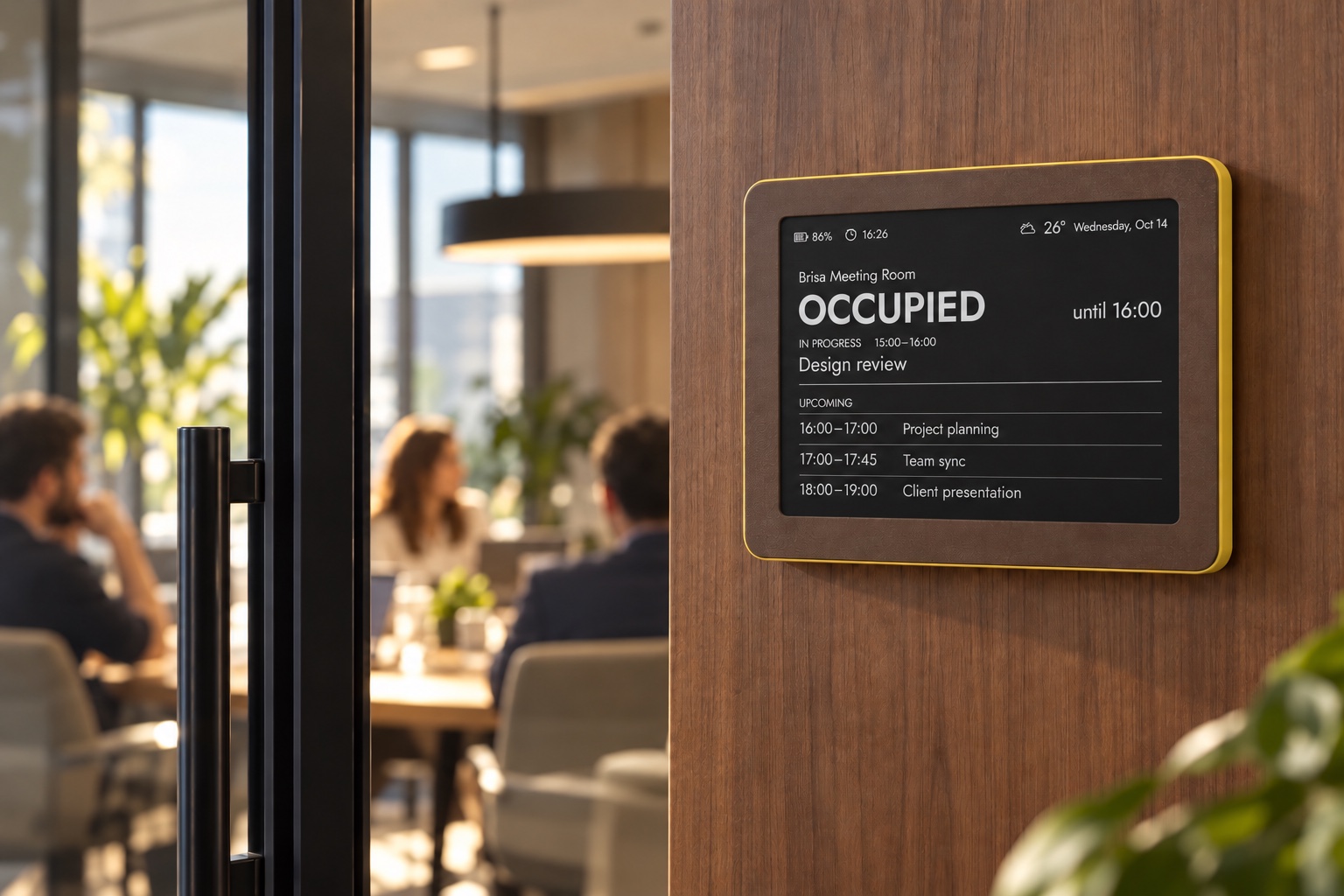
Brisa Daylo turns a read-only room calendar into a calm e‑ink sign beside the door. See whether a conference room is available or occupied, when the current meeting ends and what is booked next—without another glowing tablet on the wall.
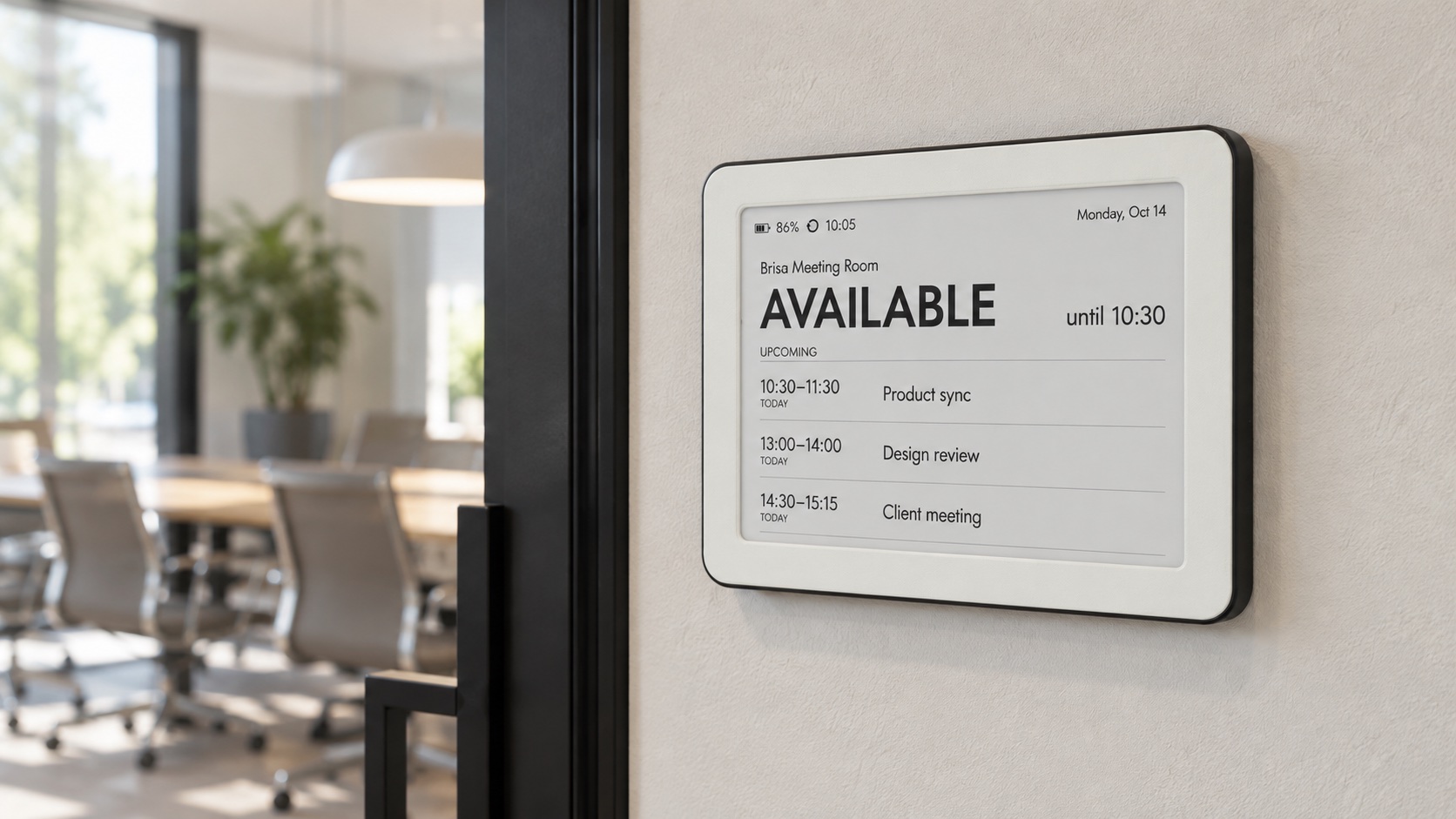
At-a-glance room signage
The clearest meeting room display answers a small set of questions in two seconds. Brisa can present:
Why e‑paper works here
People can check availability without opening the door, interrupting a meeting or searching through a calendar app.
The paper-like screen stays readable in normal office light and does not turn the corridor into a row of small televisions.
Battery power and Wi‑Fi avoid a permanent power lead beside every room. Refresh frequency affects battery life.
Show only the room status and approved calendar details. Keep attendees, notes, client names and video links off the hallway display.
Made for the office around it
Choose restrained neutrals or a more distinctive colourway. Brisa Daylo is available in all current colour combinations, including Paper Noir, Moss Noir, Cloud Blush and Walnut Sun.
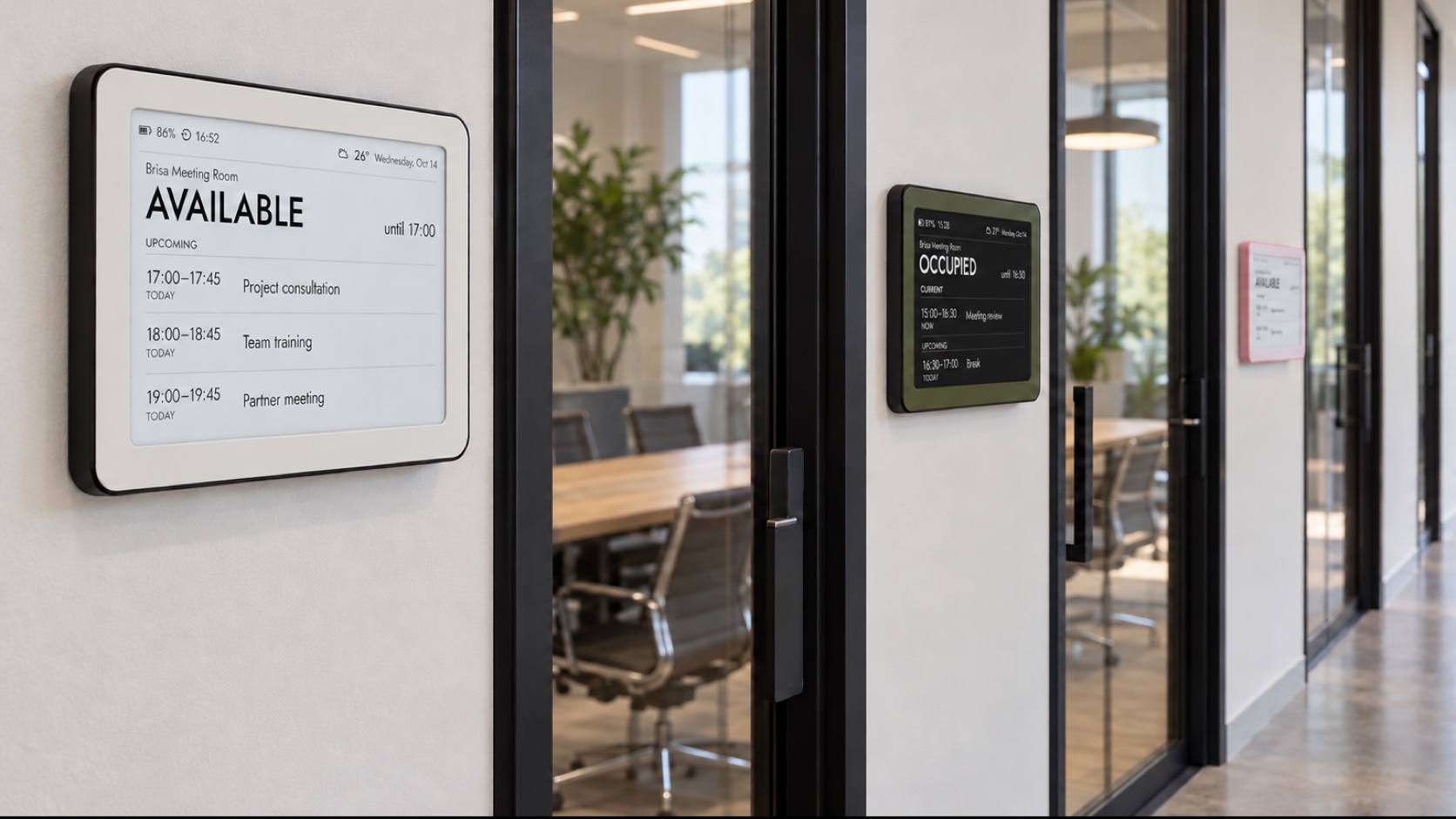
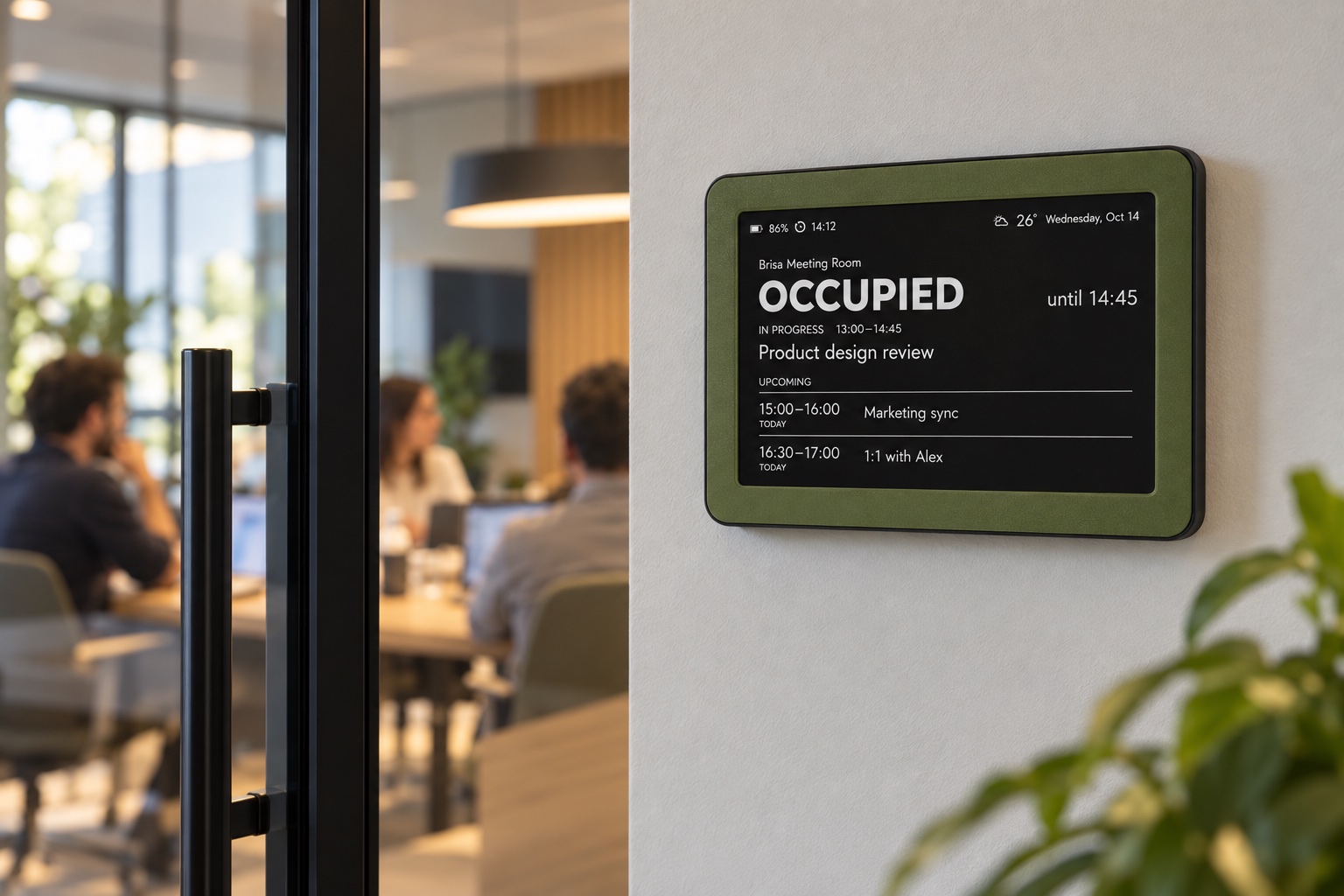
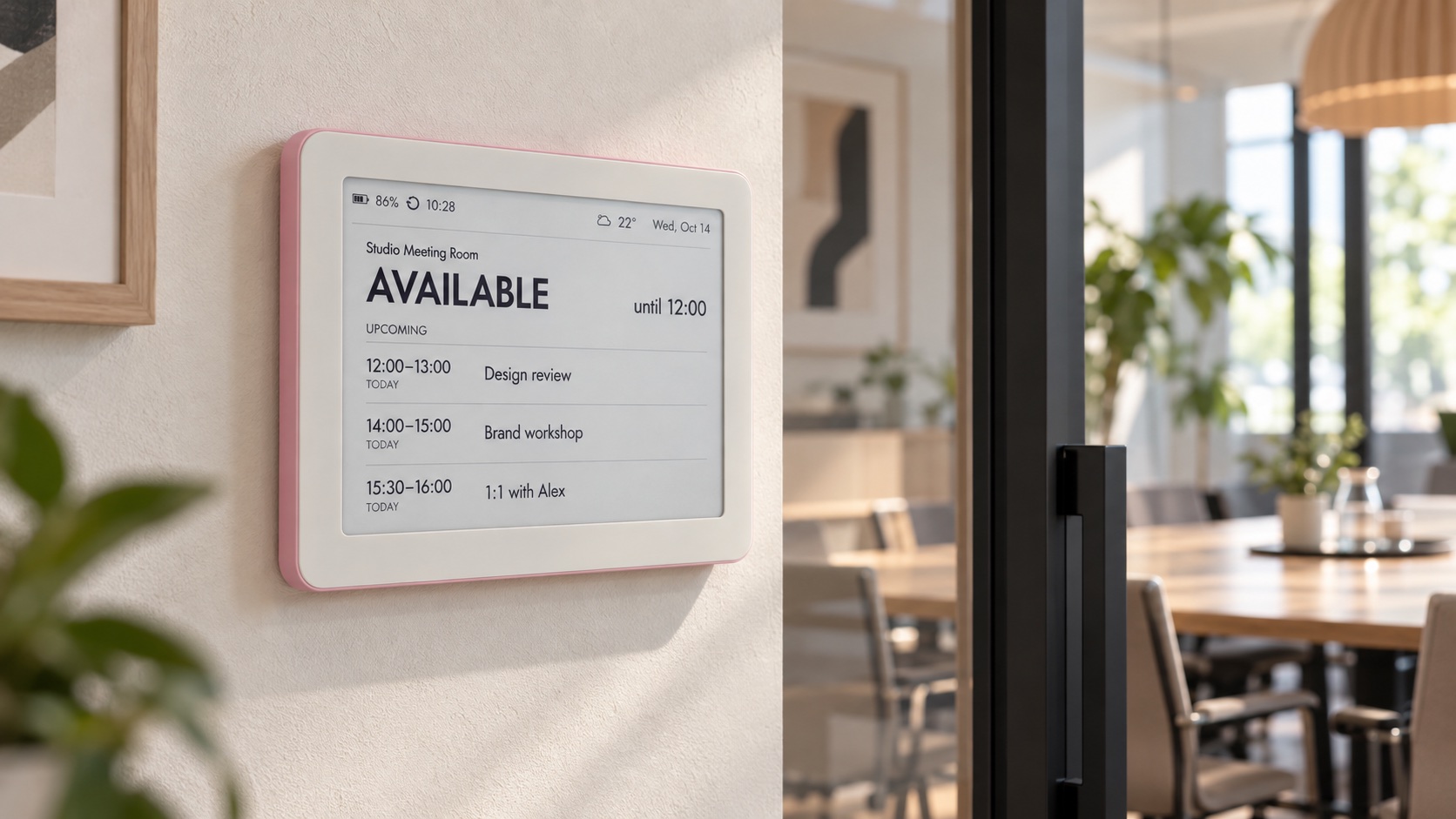
A display, not a booking terminal
Bookings are created and changed in the organisation’s calendar system. Brisa periodically reads a compatible ICS feed and updates the e‑ink screen over Wi‑Fi. It has no touchscreen check-in or walk-up booking, and last-minute changes can appear after the next refresh.
Start small, then scale
Start with a non-critical room and assign it a dedicated resource calendar.
Choose whether the hallway may show only free/busy, a neutral team name or a short meeting title.
Configure the compatible calendar feed, mounting and refresh interval; then test creates, moves and cancellations.
Measure readability, update delay, battery impact and whether people actually stop opening the door.
An optional magnetic mounting panel can be purchased with the frame and screwed directly to the wall. Its cable opening lets an optional USB‑C lead emerge from the wall, so Brisa can remain continuously powered without a visible cable run.
Yes. A dedicated room calendar can provide the current status, end time and upcoming bookings through a compatible ICS feed.
It can work when the calendar system provides a compatible ICS or iCal feed and the organisation allows it to be published. Confirm the method and privacy policy with IT.
No. Brisa is a view-only e‑ink status display, not a touchscreen room-booking panel. Reservations remain in the source calendar.
No. Brisa refreshes periodically. The practical delay depends on the calendar feed and selected device refresh interval, so test it before a wider rollout.
No. Brisa runs on a rechargeable battery and charges over USB‑C. More frequent updates shorten the time between charges.
Yes, different Brisa colourways can identify rooms or floors. Larger quantities, branded layouts or custom firmware should be scoped as a special order.
Tell us how many rooms you have, which calendar system you use, what may be visible in the corridor and how quickly status changes need to appear.