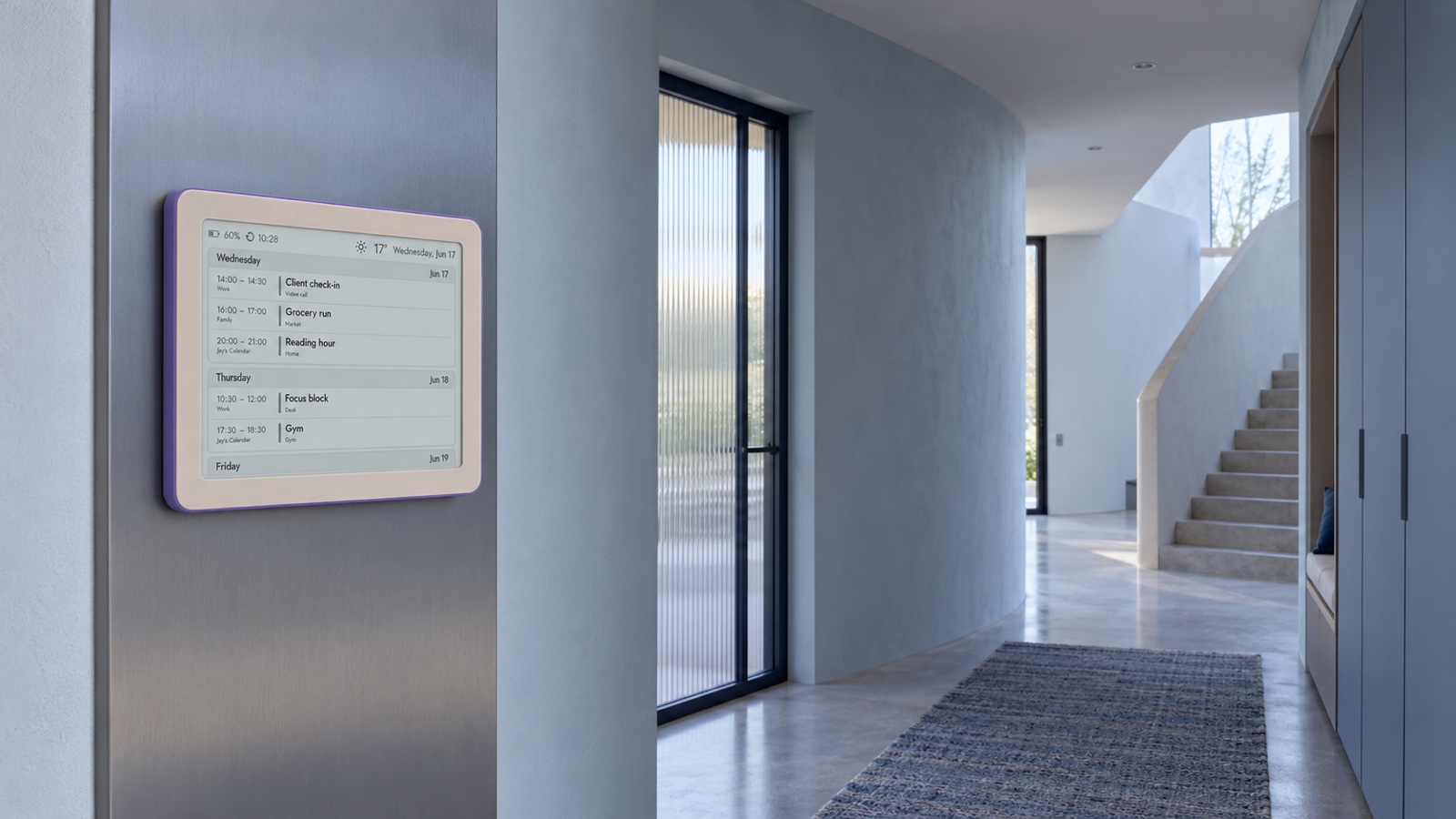
A hallway calendar is useful because nobody has to unlock a phone to learn what happens next. That same openness creates its privacy problem: the audience is no longer just the person who created the event. It may include children, guests, a cleaner, a delivery driver at an open door or anyone who can see the display from an adjacent room.
The answer is not to make the screen vague or useless. It is to design a shared layer deliberately. Show enough information for the household to coordinate, while keeping sensitive context in the private calendar entry, a personal message or the app on your phone. This is data minimisation in everyday form: the screen gets the smallest amount of information needed for its job.
Begin with the hallway question
Before choosing calendars or permissions, write down what someone should be able to learn in three seconds. In most homes the useful questions are simple: Who needs to leave next? What time is the appointment? Is there a pickup, practice or shared meal? Does anyone need the car? The display does not need to explain the entire event.
A shared display should help the household act. It does not need to preserve every detail that helped the organiser plan.
This purpose test makes later decisions easier. “Dentist, 16:30” may be enough on the wall; the clinician’s name, treatment, phone number, insurance note and building access code can stay on the organiser’s phone. “School meeting, 18:00” coordinates the evening without showing a child’s full name, class, teacher and video-call link.
Build a public layer and a private layer
The cleanest setup is often a dedicated household calendar that contains only events suitable for the shared screen. Family members can keep work, health, finance, travel documents and personal reminders in their own calendars. When an item needs collective attention, add a short shared event or copy only the safe summary into the household calendar.
- Shared layer: time, short task or event name, the person responsible when useful, and a broad location such as school, home or town centre.
- Private layer: medical information, phone numbers, addresses that reveal vulnerability, booking references, access codes, meeting links, attendee lists and personal notes.
- Temporary layer: travel or visitor details that are useful for a few days, then removed or shortened after the event.
This separation also improves readability. A family display crowded with imported work calls and private reminders stops being a shared plan and becomes a noisy replica of several phones. A smaller, curated calendar gives each visible item a reason to be there.
Use screen-safe event names
Event titles are often written for the creator, not for a room. A title such as “Follow-up after results — Dr Kowalski” may reveal more than intended. On the shared layer, rename it “Appointment — Alex” or simply “Alex out”. Replace “Therapy session” with “Appointment”, a child’s full name with a first name or household nickname, and a detailed address with “Clinic” or “School” when the exact route already lives on a phone.
Avoid codes that are so cryptic nobody can act on them. Privacy is not achieved if the household must message the organiser for every item. The useful middle ground is a short, neutral label understood by the people who need it.
- Prefer “Mila — practice” to a full club, team and age-group name.
- Prefer “Airport pickup” to a booking number and passenger itinerary.
- Prefer “Video call” to a title containing the client, project and conference link.
- Prefer “Payment due” to an account name, amount or invoice reference.
Permissions matter more than the private badge
Calendar services distinguish between sharing an entire calendar and inviting someone to a single event. They may also offer several permission levels, from availability only to full event details or editing. Choose the least revealing level that still supports the household workflow. A person who only needs to know when you are busy should not automatically receive every title and note.
Google Calendar documents separate permissions such as free/busy access and access to event details, while individual events can have their own visibility setting. Apple iCloud calendars can be shared privately with invited people or publicly through a link. These controls are useful, but their exact result depends on the source calendar, event setting and subscriber. Test the view that the display actually receives rather than assuming the creator’s screen represents everyone’s view.
Google Calendar Help: share a calendar and choose permissions →
Google Calendar Help: change an event’s visibility →
Apple iCloud User Guide: ways to share calendars →
Treat any public calendar link like a secret bearer link. Anyone who obtains it may be able to subscribe, and forwarding or logging can spread it beyond the intended household. Do not publish a calendar containing sensitive information. If a link may have escaped, stop sharing or replace it according to the provider’s controls, then reconnect only the intended devices.
Keep detailed context on the personal device
A display can show the decision while a phone keeps the evidence. The wall may say “Train, 07:40”; the phone can retain the ticket, platform alert and booking reference. The wall may say “Parent meeting, 17:30”; the private event can keep the teacher’s name, room, agenda and attachments. This split avoids turning a glanceable surface into a document repository.
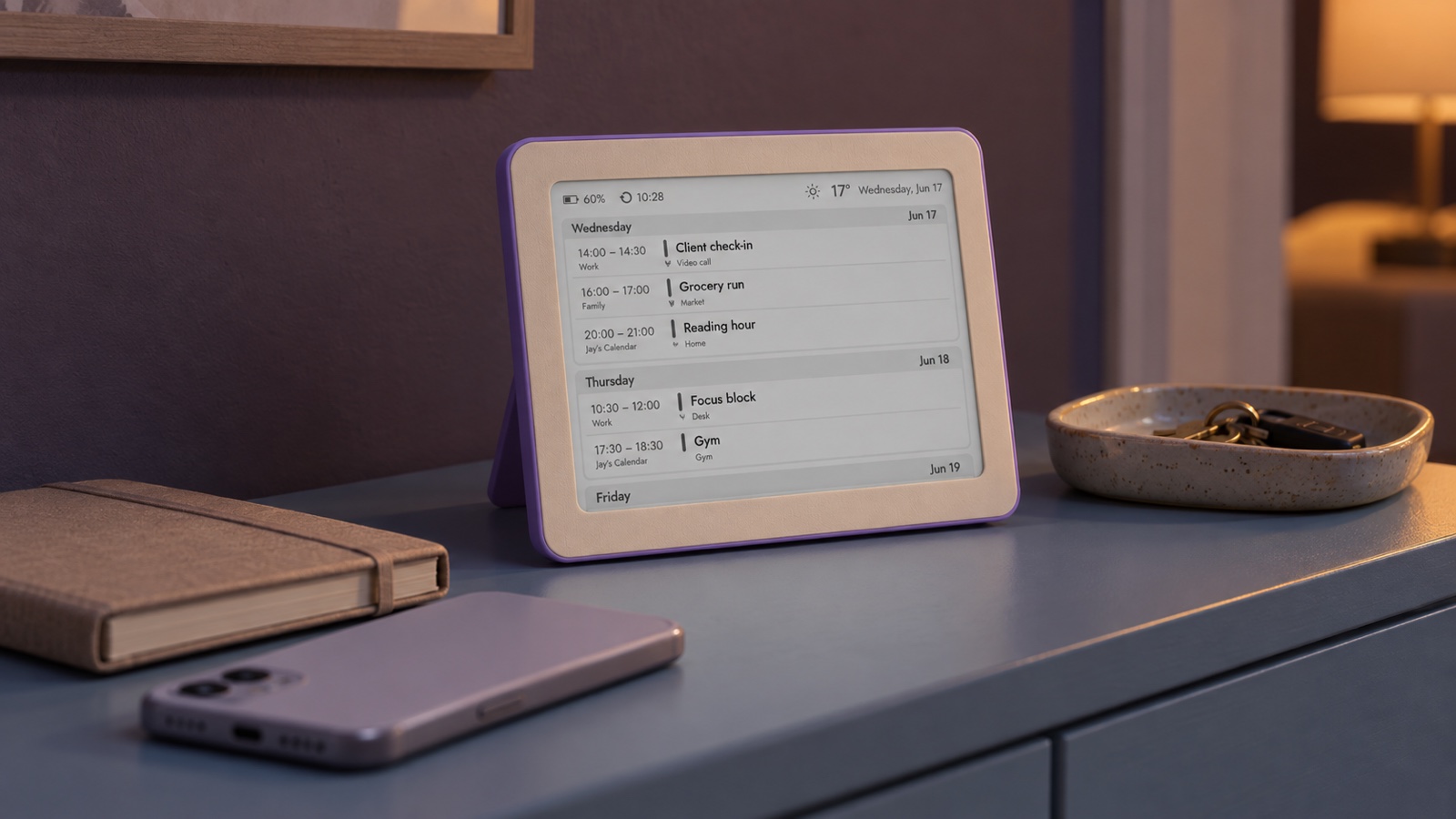
See the Brisa Daylo calendar display for a calm shared overview →
Notifications deserve the same care. A wall display should not unexpectedly surface message previews, newly attached notes or a participant’s private response. When testing a calendar source, create a sample event with a long title, location, description, attendee and link. Check what appears, what is truncated and what remains hidden.
Placement is part of privacy
A harmless calendar can become revealing when it faces a window or front door. Stand where a visitor, neighbour or courier might stand and look toward the display. Check it during the day and after dark, when interior screens may be easier to see from outside. If the sightline is too open, rotate the display, move it deeper into the home or use shorter event names.
Also consider height. A calendar meant for the whole family should be readable by the people using it, but a prominent eye-level position increases its audience. Reading distance, font size and content sensitivity are linked: a larger, bolder title travels farther across a room.
Plan placement and reading distance for an e‑ink calendar display →
Compare a fridge placement with a freestanding family display →
A safer setup in eight steps
- Create or select a calendar used only for screen-safe household information.
- Define which categories belong there and which always stay personal.
- Use neutral, action-oriented titles and only the location needed for coordination.
- Choose the lowest practical sharing permission and avoid public publishing when private sharing works.
- Connect the intended view, then test it from a different account or device.
- Use sample events to test long titles, notes, attendees, links, private flags and cancelled events.
- Check physical sightlines from doors, windows and guest areas at different times of day.
- Review subscribers, links and visible calendars every few months and after household changes.
The information commissioner’s data-minimisation principle offers a useful standard even for a household: information should be adequate, relevant and limited to what is necessary for the purpose. You do not need a compliance project to benefit from that habit. You only need to ask whether each visible detail helps someone make the next household decision.
UK ICO: the data protection principles, including data minimisation →
Review the screen, not just the settings
A technically correct permission can still produce an awkward result: a title may be more revealing than expected, an address may appear in full, or a private item may become a generic block that confuses the family. The final quality check is visual. Look at the actual screen from its real viewing distance and ask whether every line is useful, understandable and appropriate for that room.
Set up a shared Google Calendar for a calm e‑ink view →
Plan an Apple Calendar feed with privacy in mind →
Choose a daily or weekly view for the household rhythm →
The best shared calendar is not the one that shows the most. It is the one that answers the family’s next question quickly, then leaves the rest where it belongs: behind the personal device, account and conversation that provide the right context.
Shared calendar privacy: quick answers
Should a hallway display show every family calendar?
Usually not. A purpose-built household calendar with selected shared events is easier to read and limits accidental exposure. Personal calendars can remain personal unless an event genuinely needs the whole household’s attention.
Are private or hidden events always safe on a shared display?
Do not rely on the word private alone. What viewers can see depends on the calendar service, sharing permission, feed and display. Test the exact setup from a separate account or device before placing it in a shared space.
What details are normally enough for a family display?
A short action-oriented title, time and only the location needed for coordination are often sufficient. Keep medical details, access links, phone numbers, school identifiers and sensitive notes on a personal device.
Is a calendar display suitable near the front door?
It can be, if the screen cannot be read from outside and its content is appropriate for visitors, contractors and children’s friends. Change the angle, distance or content if the entry has a direct sightline from the street.
How often should a family review its shared calendar setup?
Review it after household changes and at least every few months. Remove old subscribers, stale public links and calendars that no longer need to appear, then repeat a visibility test.